Is osTicket Mobile Friendly? How to Fix the Staff Panel on Phones

If your agents have ever tried to answer a ticket from their phone, they already know the answer: the default osTicket mobile experience is poor. The staff panel was designed for desktop monitors, so on a small screen you end up pinching, zooming and scrolling sideways just to read a ticket queue.
Why the default staff panel struggles on phones
The osTicket staff panel uses a fixed, desktop-first layout. Ticket queues are wide tables with many columns, navigation tabs sit side by side across the top, and buttons and links are sized for a mouse pointer rather than a finger. On a phone the browser shrinks the whole page to fit, which makes text tiny and tap targets hard to hit.
For a helpdesk this matters more than it seems. Urgent tickets do not wait until someone is back at their desk, and an agent who can triage from a phone responds faster.
Option 1: Use the desktop site and zoom
The zero-effort option is to request the desktop site in the phone's browser and zoom in on the area you need. It works in an emergency, but it is slow, and it is easy to tap the wrong ticket or the wrong button.
Option 2: Edit the osTicket CSS yourself
You can add your own responsive CSS to the staff panel's stylesheets. This needs solid CSS skills, because the markup was never written with small screens in mind. The bigger problem is upgrades: changes to core files are overwritten by the next osTicket release, so you either redo the work every time or stop updating, which leaves security fixes uninstalled.
Option 3: Install a responsive theme
The cleanest fix is a theme that replaces the staff panel's look without touching core files. The Dashboard Theme for osTicket rebuilds the agent dashboard, the ticket queue and the admin screens so every page reflows from a desktop monitor down to a phone.
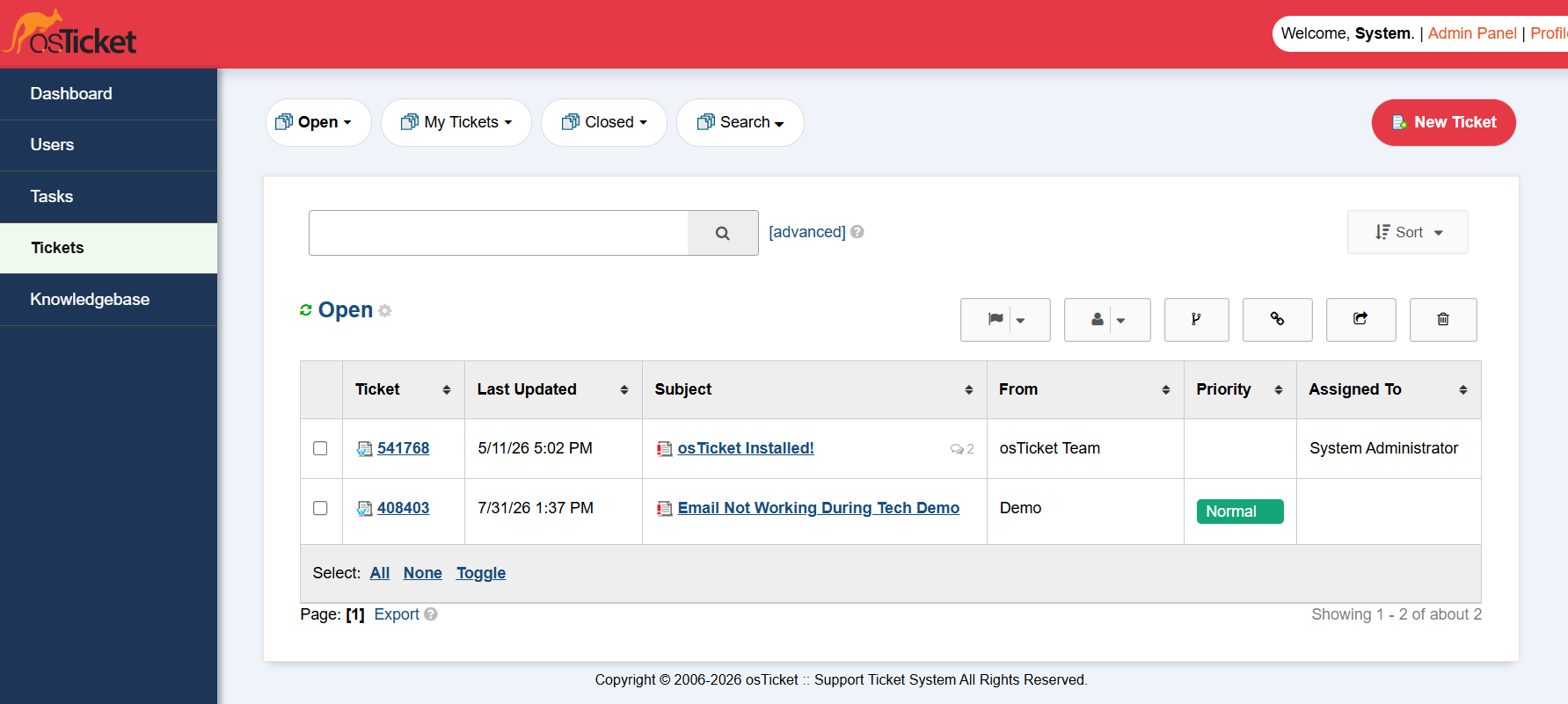
Because it installs as a standard osTicket theme, upgrading osTicket does not undo it, and it works on osTicket v1.17 and v1.18.
What about the customer portal?
Customers are even more likely than agents to open your helpdesk on a phone, usually straight from a notification email. If your support center is hard to use on mobile, the Amber client portal theme gives customers a fully responsive support center, ticket list and ticket view.


